Codes
Compliment codes status for Nov 2026, redemption steps, and where TÄ Games posts new drops when none are active.
View all CodesCodes, gems, secret areas, and party tips for Compliment on Roblox.
Unofficial Compliment Roblox wiki for codes, gem tips, secret areas, voting strategies, and beginner guides updated for every session.
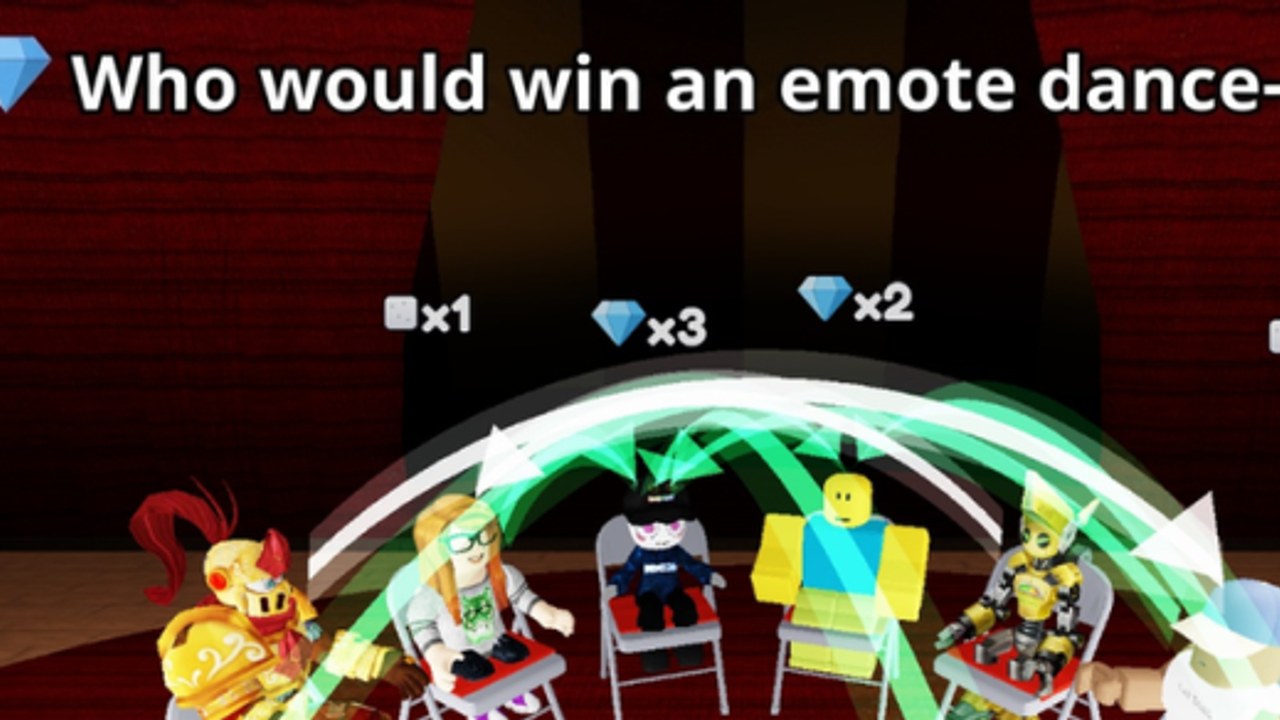
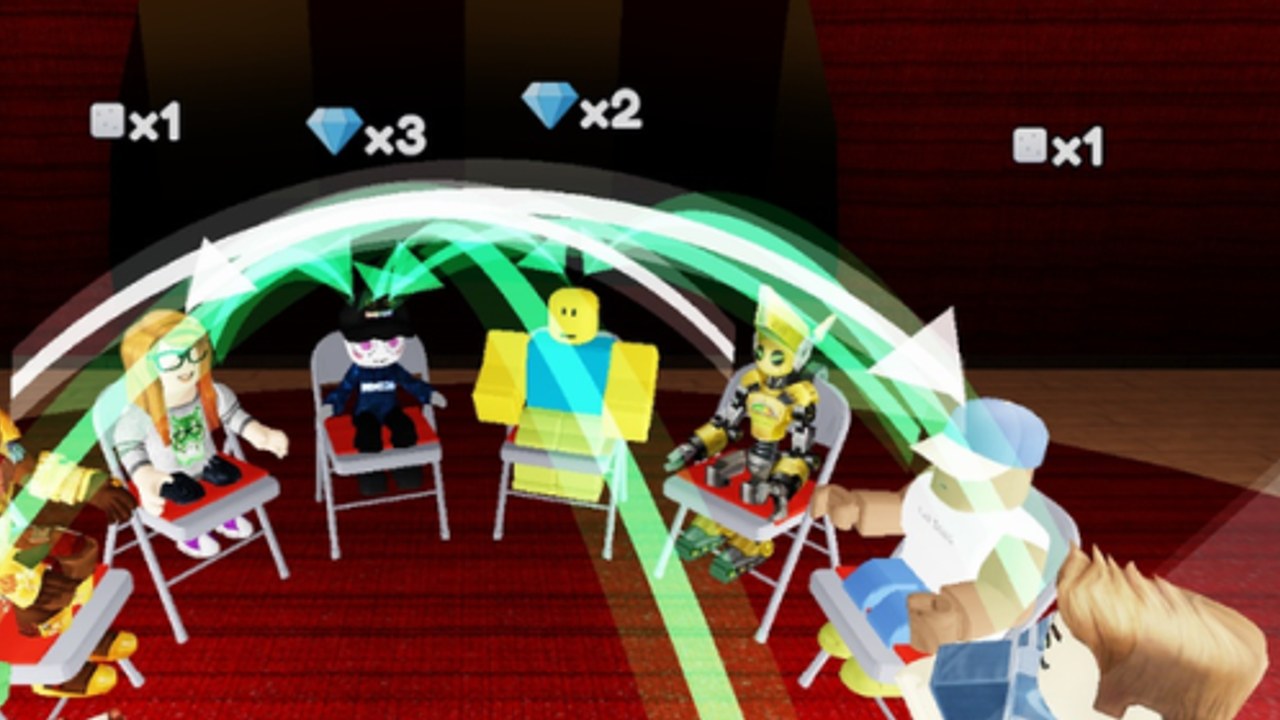
Compliment is a Party & Casual Roblox experience by TÄ Games where you read a question, tap who fits it best, then watch arrows fly — green ones award gems. Start with the beginner guide, claim codes, farm gems, hunt the secret area, and refine picks with the tier list.
Compliment codes status for Nov 2026, redemption steps, and where TÄ Games posts new drops when none are active.
View all CodesCompliment guides for getting started, green arrows, gems, secret areas, tips, and voting habits that win more reveals each lobby.
View all GuidesCompliment voting tier list ranking S to C strategies: reading the room, popularity picks, friendship bias, meme answers.
View all Tier ListMeet TÄ Games, find friends in Compliment servers, and use community channels without spoiling the big reveal fun.
View all PlayersCompliment update timeline from the Oct 22 2026 launch through the Nov 8 patch and what players should watch next.
View all UpdatesHonest Compliment scripts guide covering scarce options, executor risks, and safer ways to enjoy this social party loop.
View all ScriptsCompliment controls and UI hub explaining Codes, player picks, the reveal screen, and buttons new players often miss.
View all ToolsCompliment Roblox overview with party voting loop, gems, codes status, guides, and official TÄ Games links in one hub.
View all LinksOpen Compliment on Roblox, wait for a lobby of up to 16 players, and get ready for the first question prompt.
Read the compliment-style question, tap the player who fits it best, then watch every arrow fly — green arrows award gems. Details in the beginner guide.
Check the codes page and follow how to redeem whenever TÄ Games posts a new promo.
Use the gems guide, hunt the secret area, and sharpen picks with tips plus the tier list.
Quick answers about Compliment on Roblox.
A Party & Casual social game by TÄ Games. You pick who fits each question best, then the reveal shows every arrow. Green arrows grant gems. See the game overview and getting started pages.
As of our latest check there are no active codes. Bookmark codes and learn the steps on how to redeem so you can claim the next drop instantly.
Green arrows during the reveal award gems. Read the full how to earn gems guide and improve your picks with the tier list.
Yes — players share routes to a hidden spot. Follow our secret area guide with an embedded walkthrough video.
This wiki supports: English, Français, Deutsch, Español, Português (BR).
No. compliment.wiki is an unofficial fan resource. Confirm codes and patch notes through TÄ Games channels and the [official Roblox page](https://www.roblox.com/games/124156325220041/Compliment).
Begin with getting started, then tips and tricks, gems, and updates.
From first-round basics to gem farming and secret areas, this wiki covers Compliment end to end. Start with the beginner guide or jump into codes and tips.
Start with the beginner guide